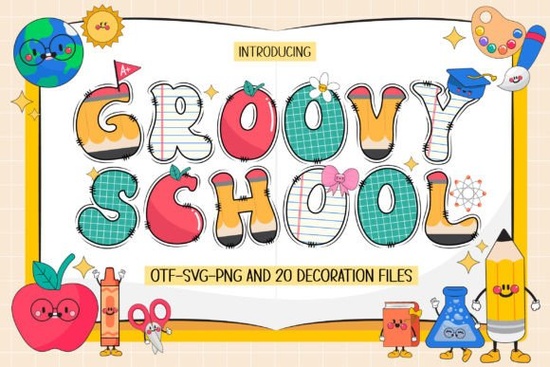
If you're looking for a lively, expressive font that captures the fun and energy of school days, Groovy School Font is a great choice. It’s designed with playful flair, perfect for anyone creating themed projects whether it’s for back-to-school promotions, classroom materials, or handmade gifts. The set includes four distinct fonts and 20 matching doodles that bring a cheerful, hand-drawn vibe to your designs.
What’s included in the Groovy School Font collection?
The full package offers variety and flexibility. You get:
- Four unique fonts – each with its own personality, from bold block styles to bouncy script variations.
- Twenty school-themed doodles – think chalkboards, backpacks, pencils, books, and stars – all ready to use in digital or printed designs.
- Two versions – a black version (ideal for cutting machines) and a color version (for advanced design software).
How do I use the different versions?
The black version works seamlessly with Cricut Design Space, Silhouette Studio, and other cutting machines. This makes it easy to cut vinyl, paper, or iron-on for custom T-shirts, stickers, or wall art. If you’re using tools like these, this version is your go-to.
The color version is best used in programs like Adobe Photoshop, Illustrator, Inkscape, or Silhouette Studio (when not cutting). It lets you add vibrant colors directly into your text, so your designs stay bold and eye-catching without extra work. Just keep in mind: OTF and TTF files in the color version won’t work on Cricut devices.
For more details on how to use color fonts safely and effectively, check out our Ultimate Font Guide. It walks you through file types, compatibility, and common pitfalls.
Where can I use Groovy School Font?
This font shines in many creative applications:
- Back-to-school posters and flyers
- DIY crafts like custom notebooks, tote bags, or mugs
- Personalized name tags or graduation gifts
- Print-on-demand products such as T-shirts, stickers, and home décor
- Classroom decor or teacher appreciation items
It’s especially useful if you’re designing for kids’ events, school fairs, or themed parties. The playful style adds warmth and character, making your projects feel personal and inviting.
Why choose Groovy School over other school fonts?
While many fonts try to capture a “school” feel, few deliver both charm and versatility. Groovy School stands out because it combines multiple font styles with a consistent theme. The doodles aren’t just random images they’re thoughtfully designed to match the font’s tone, so everything feels cohesive.
Plus, the inclusion of a machine-friendly black version means you don’t have to sacrifice quality for practicality. Whether you’re crafting at home or running a small business, this balance matters.
Looking for similar vibes? You might also enjoy Hello School Font, which shares a friendly, approachable style, or USA Retro Stars Font if you want a vintage Americana twist. For something even bolder, explore USA Flag Grunge Font.
Getting started with Groovy School Font
To make the most of your purchase:
- Download the correct version based on your workflow (black for cutting, color for editing).
- Install the font files in your preferred design software.
- Use the doodles as standalone graphics or layer them behind text for added detail.
- Test a small project first especially if using on a cutting machine to ensure alignment and sizing are right.
Remember: always save a backup of your original files before applying effects or edits.
Want to see how others are using it? Browse real-world examples on Creative Fabrica’s platform. Search for Groovy School Font to find inspiration from fellow creators.
Whether you’re a hobbyist, small business owner, or print-on-demand seller, this font set gives you a toolkit to create joyful, memorable designs without the stress of complicated setups.
Next step: Head to Groovy School Font on Creative Fabrica, pick your version, and start designing today.
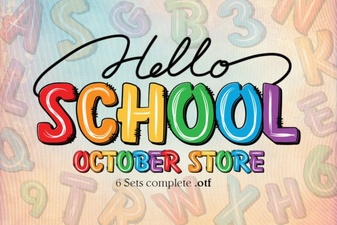 Hello School Font: Creative Typography for Educational Projects
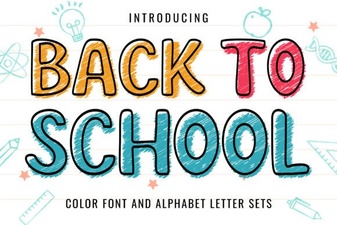 Creative Back to School Font Ideas for Design Projects
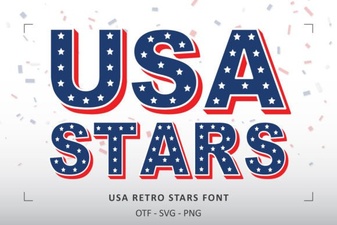 Retro Stars Font for Usa Themed Design Projects
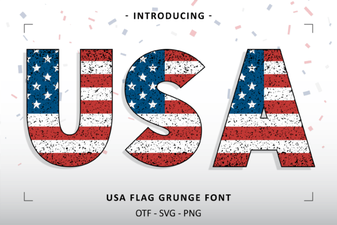 Grunge Usa Flag Font for Bold Design Projects
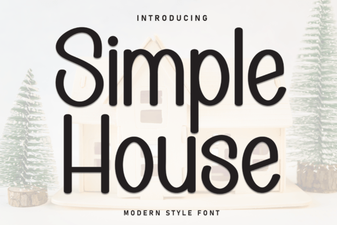 Simple House Font for Elegant Typography Projects
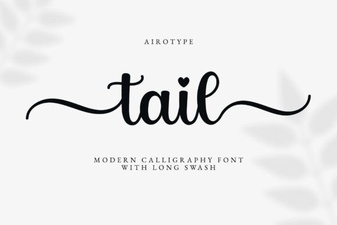 Tail Font: Creative Typography for Modern Design Projects